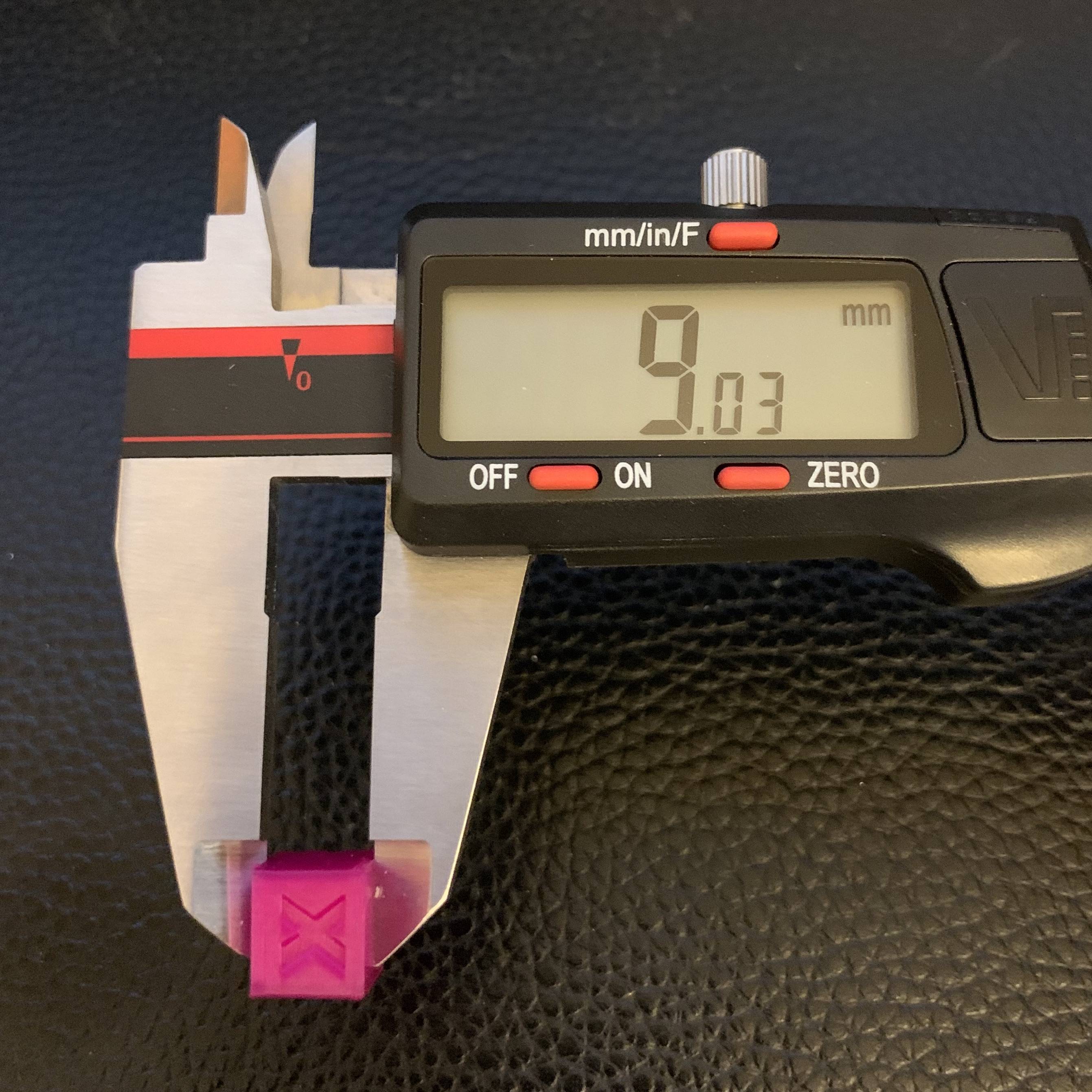
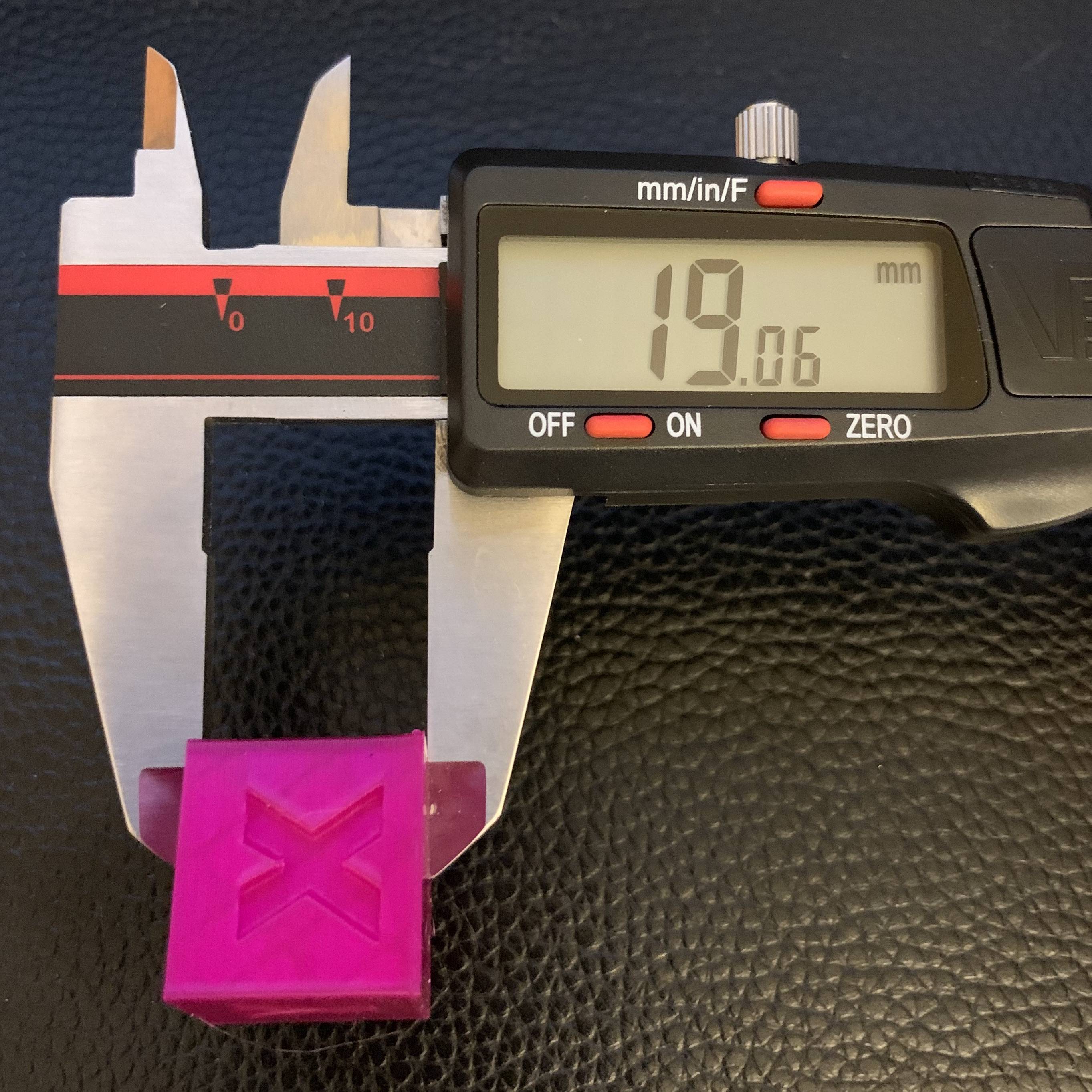
All my prints come out about 1 mm too short in the Z dimension. So for example a 20 mm cube comes out 19 mm high. A 10 mm cube comes out 9 mm high. The X and Y dimensions are fine. There's a little bit of visible elephant's foot at the bottom, so I assume whatever is happening is in the first couple of layers. The problem is fairly consistently around 1 mm even for larger prints.
The printer is an Ender 3 Pro with a glass bed and BLTouch for automatic leveling, but otherwise stock.
I had a similar issue with another Ender 3 Pro that was resolved thanks to a link to this question about problems in the first 3 mm. The solution was turning the eccentric nuts on the left and right to loosen the rollers that connect the X-axis gantry to the vertical posts. There the Z issue was not as pronounced, and I was getting really messy prints in the first few Z layers. Here that is not an issue; the first few layers look fine while they're printing. Loosening the rollers did not resolve it.
Things I've tried:
- Tightening and loosening the gantry rollers using the eccentric nuts. They're currently just tight enough that turning them moves the gantry, but loose enough that I can turn them without moving the gantry if I hold it still.
- Tightening and loosening the two little screws that attach the extruder mount to the Z-axis lead screw. Currently I made them just tight, then backed off 1/4 turn.
- Adding a shim between the vertical post and the Z-axis lead screw. The lead screw is now pretty much parallel to the post.
- Slowly turning the lead screw by hand to raise and lower the gantry. There's no noticeable catching or increased resistance anywhere.
- Varying the brand and type of PLA filament.
- Varying the temperature from 190 °C to 210 °C.
- Obsessively leveling and re-leveling the bed. Manually leveling, auto leveling with the BLTouch, and adjusting the z-offset.
I'm using the stock Ender 3 Pro profile in Cura, and printing at 0.2 mm layer height. I've kind of run out of things to check. What else can cause Z height loss in the first few layers like this?


