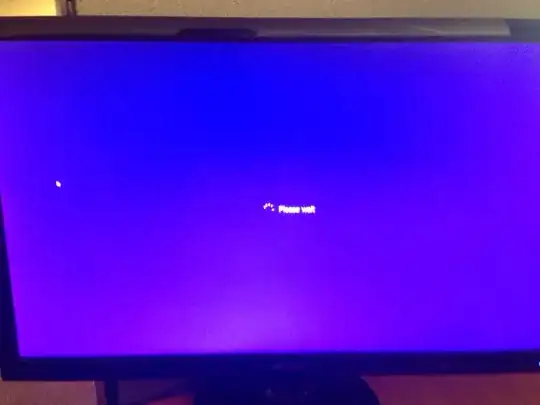
I know a method to eliminate the text atleast.
navigate to C:\Windows\System32\en-US.
Find wininit.exe.mui and take ownership of it.
Make a copy of this on your desktop.
Then download "resource hacker" from here. http://www.angusj.com/resourcehacker/
Drag the copy you made into resource monitor, and you will see a list of files that are inside this file.
navigate to StringTable/63/1033
From there you will see the "please wait" text you were looking for.
Change that, click "compile script", and then click on file and save it.
This should bring up a new file on your desktop.
Simply drop that back into the en-US folder and click "replace" to replace the old one.
This is the way I've found to get rid of/ change the text. along with the "shutting down", "restart", and others.