4

What are the best settings for Ultimaker Cura to have support material that's easy to remove for my Anet A8. I have printed an object with two different spools of PLA (same manufacturer just different color). The black print was printed with 200 °C, the grey one with 210 °C both a flow of 100 %. Thee black print seems like it has a little over-extrusion while the grey print has some under-extrusion artifacts despite the higher printing temperature. The grey support was really hard to remove and looks super messy the black one not so much...

What would be better settings?
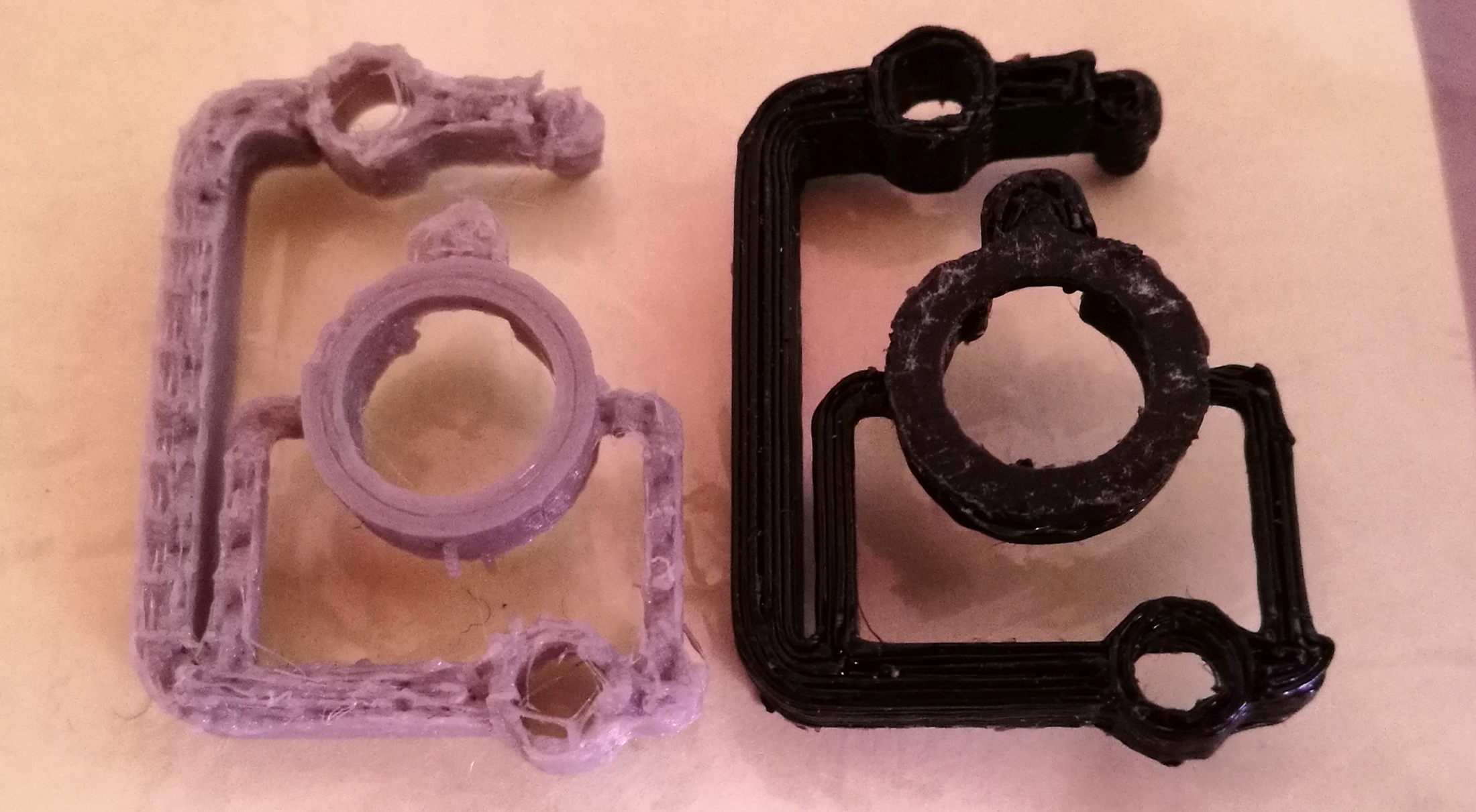
image of two prints printed at different temperatures

Could it be that the material is so much different despite same manufacturer? The black one seems to flow much better than the grey one. Both have suggested temperature of 210 °C enter image description here
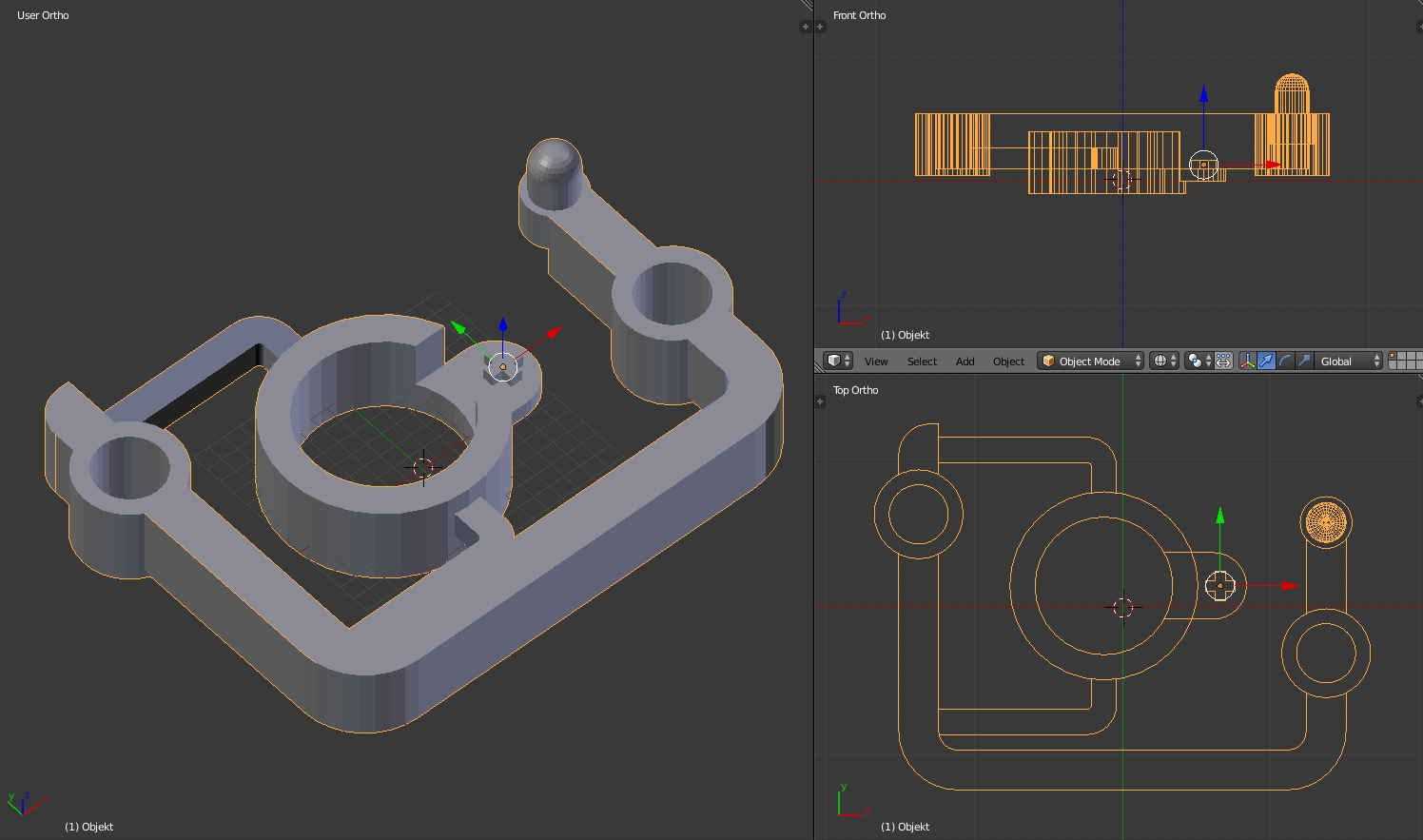
BTW the thing is 33x25 mm in size. It's rather tiny that makes printing it somewhat awkward...

I have finished another print with a brim and a different support setting (Cross with 50 %) and at 195 °C and an infill rate of 100 %. The support came off much better, the under-extrusion is minimal on the layers however for some reason the top layer does get messed up with open spots and the little nob at the corner was just a a mere stringy stumb that fell off instantly and the walls of the holes came out spongy while the layers of the ring and the long side are smooth and fine...
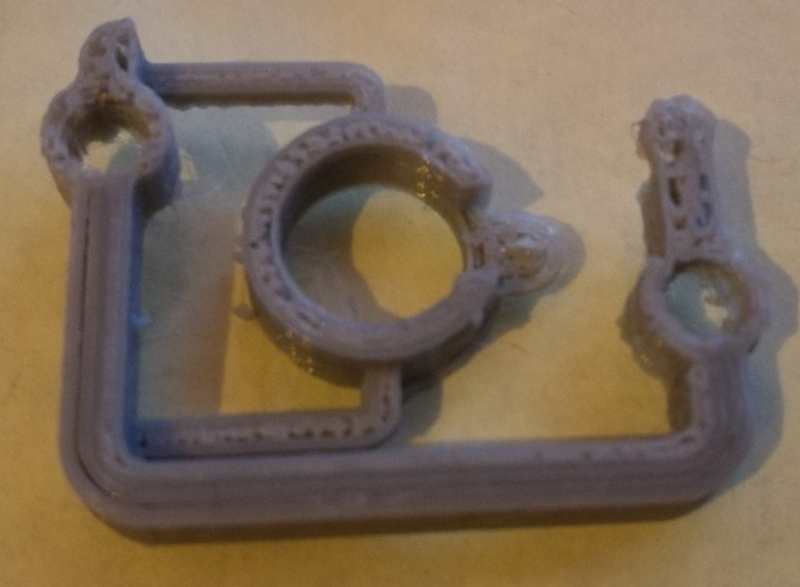
enter image description here

Trish
  • 22,760
  • 13
  • 53
  • 106
user6329530
  • 247
  • 1
  • 2
  • 9

2 Answers2

5

Cura has some settings for the support structure which may help. Somewhere in the full Preferences menu is a setting for "gap at top" or equivalent wording. If you increase that gap slightly, the support material will be less strongly bonded to the part. Be careful, since a huge gap could lead to bridging problems.

Carl Witthoft
  • 3,073
  • 1
  • 12
  • 18
3

From the picture, I suggest printing with 200 °C, as the grey print lost its cohesion at a higher temperature.

Why higher = worse

A filament is a solid that turns into a highly viscous fluid under heating and the more you heat it, the less viscous it gets. However, it also has a very high surface tension, which means, that as it extrudes and if it is not pressed down immediately, then the filament goop will thin as the head moves, resulting in under extrusion and stringiness. Print temperatures from manufacturers have to be seen with a grain of salt, as the measurements are calibrated to their test printer, which is not your printer.

Support Structures

To get good support structures, the support needs to:

  • have enough surface to not topple over
    • in case of thin towers, use a brim
  • The density should be enough to carry but not enough to stick too well
    • I have had best experiences with 5 to 10% support
  • don't support angles that don't need it
    • 45° is safe, 70° is on the very hard side. I go with 50 to 60° usually.

In a related manner, make sure that the minimum layer time is set to at about 5 to 10 seconds, which allows the single tip to cool down a little and get better prints

Print Geometry Analysis

The part you want to print is quite complicated with the different Z-heights to start at. It might be possible to increase printability by including "sacrifice blocks" of material about 1 or 2 layer heights below the print, pretty much including a support structure into the print design itself. This way the bottom might get better supported.

Trish
  • 22,760
  • 13
  • 53
  • 106