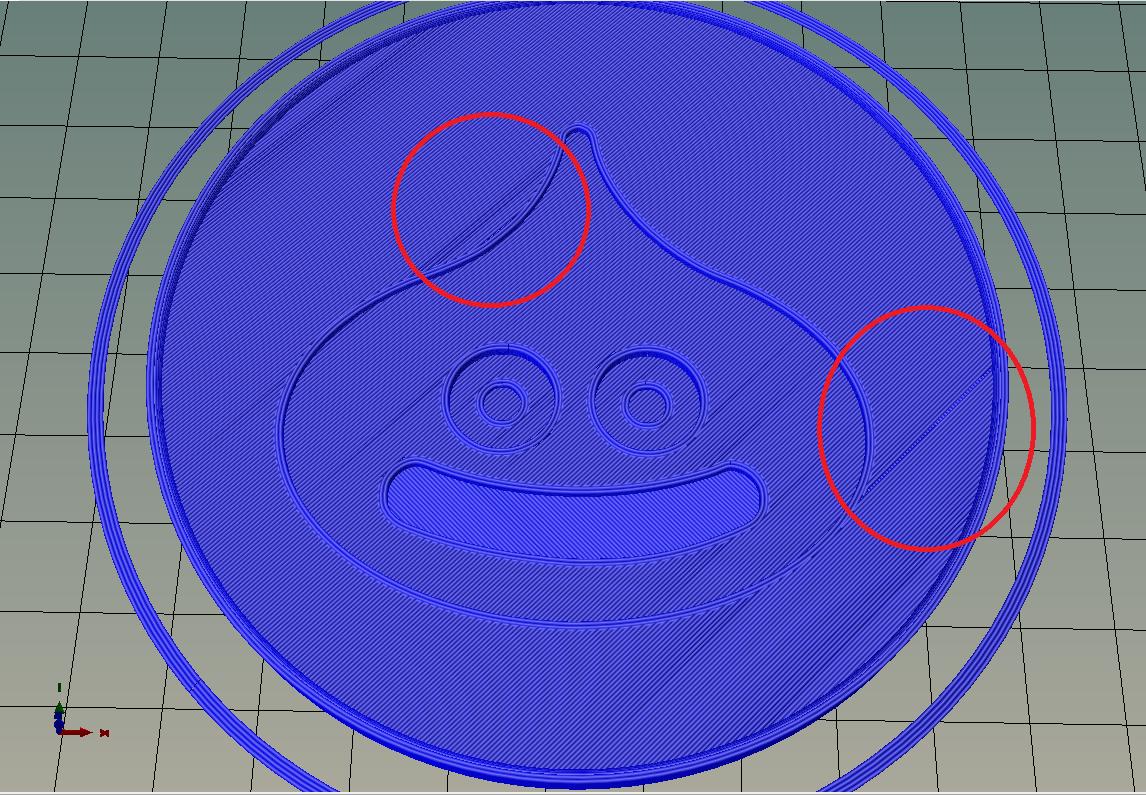
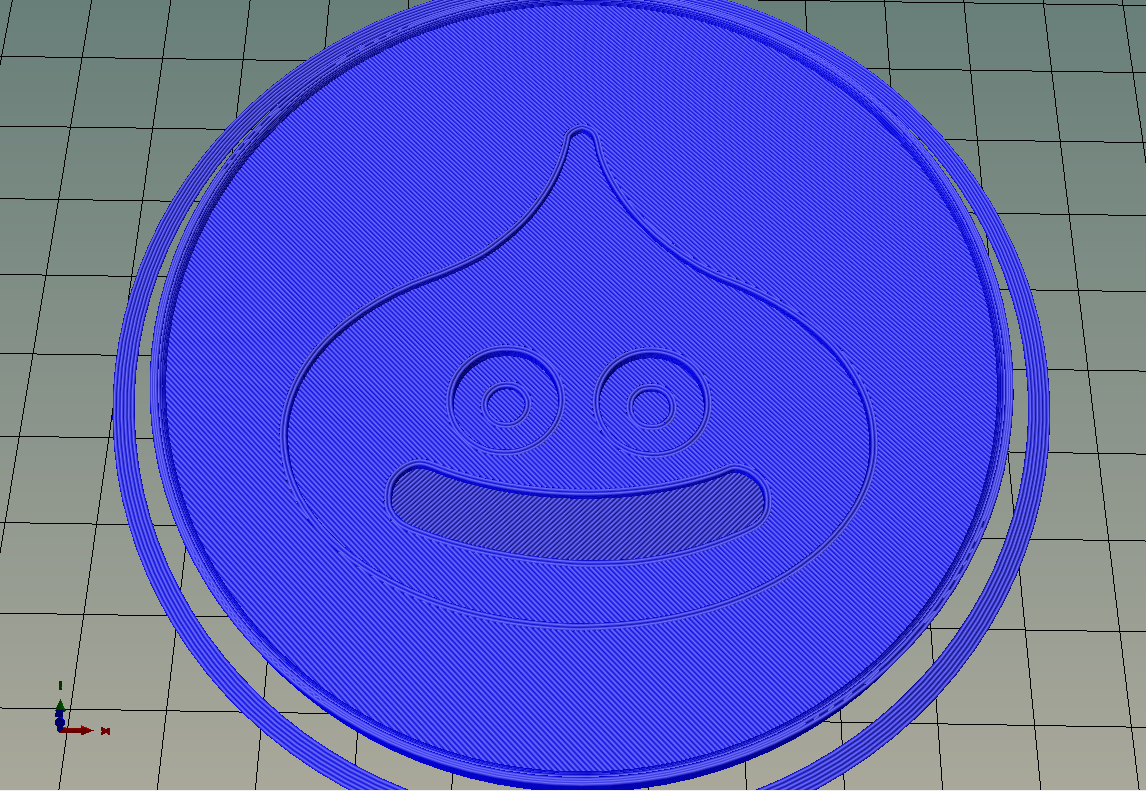
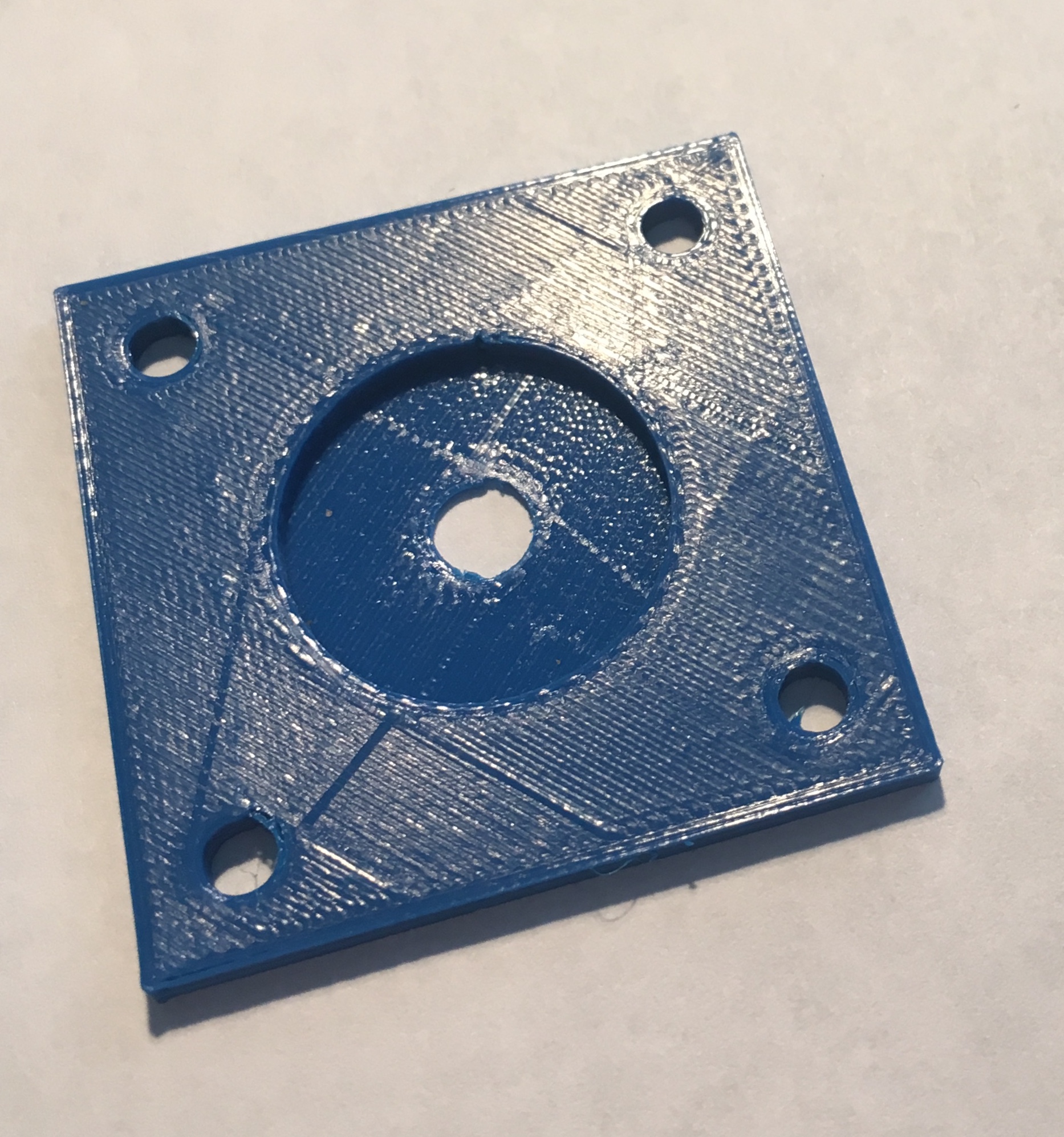
When slicing with Slic3r Prusa edition the top layer of most models turns out pretty bad. There are usually small gaps or weird patterns. This does not happen with Ultimaker Cura, it will have a nice smooth top layer. Is there anything settings wise that I can do in Slic3r to get the same quality of top layer as Ultimaker Cura?
2 Answers
To have a very smooth finish on top layer, I usually act on these settings :
in Print Settings :
Layers & Perimeters :
Horizontal shells : 3 / 3
Infill:
Infill, Top/bottom fill patterns : Archimedean Chords ;
Speed:
.for print moves :
Top solid infill : 20 (mm/s)
Advanced:
Extrusion width, Top solid infill : 0.2 (mm)
= This gives very slow movement in a circular way, the small extrusion creates an ironing effect, thus very nice finish.
Considering your slicer behavior, have you tried changing number of top shelves & Infill type ?
- 31
- 3
Maybe slic3r just has a more realistic rendering, and that is already the complete answer. If you print out the parts, the cura sliced part is not really that smooth.
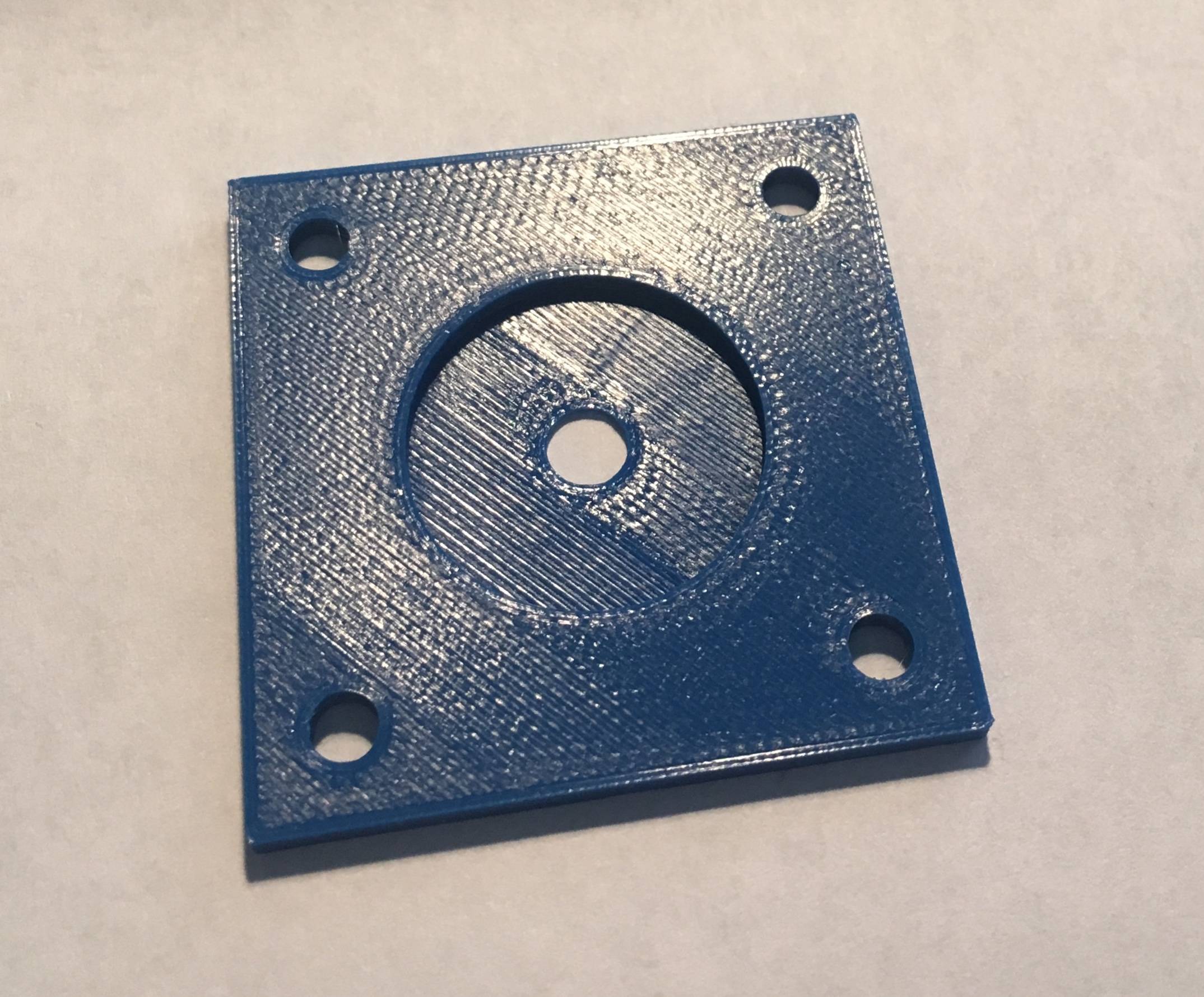
I was curious about this myself, and printed the same part without optimzing, using curas and slic3r defaults. Indeed the artefacts shown in slic3r show up in both prints.
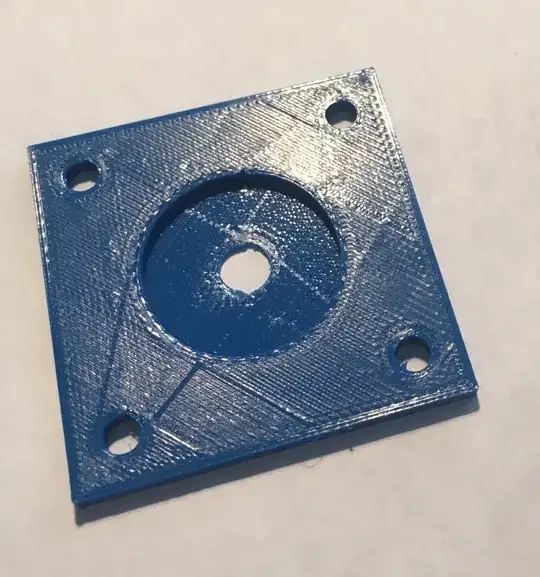
The part in the first image was sliced with slic3r (1.42 alpha). The part in the second image was sliced with cura (3.1 as shipped with ubuntu). Additionally to the same diagonal top-left bottom-right effects, which the cura print shows, there are also some strings going from the center to the bottom-left and top-right corners.
I did not optimize anything about the top layer.
- 161
- 5