6

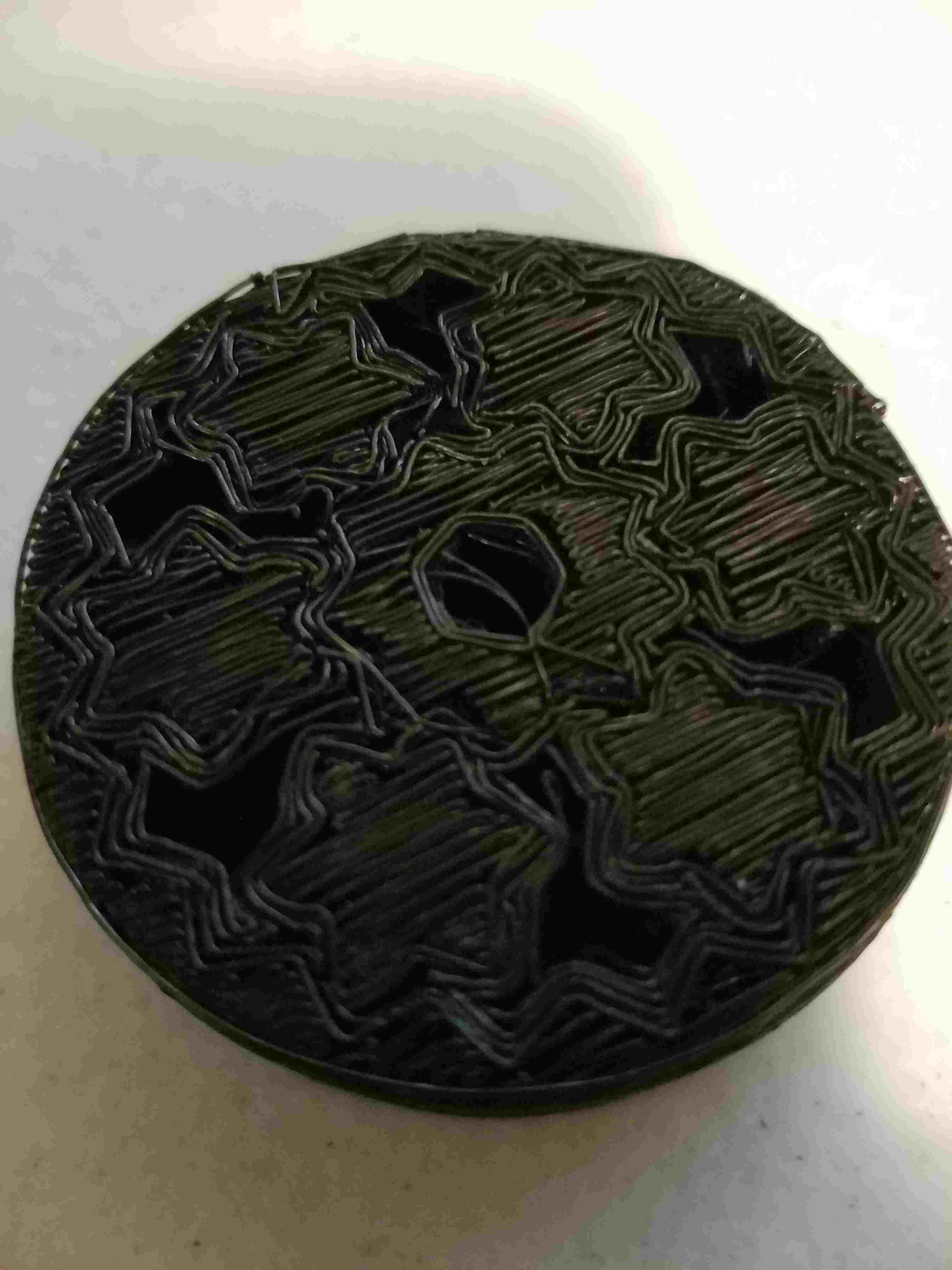
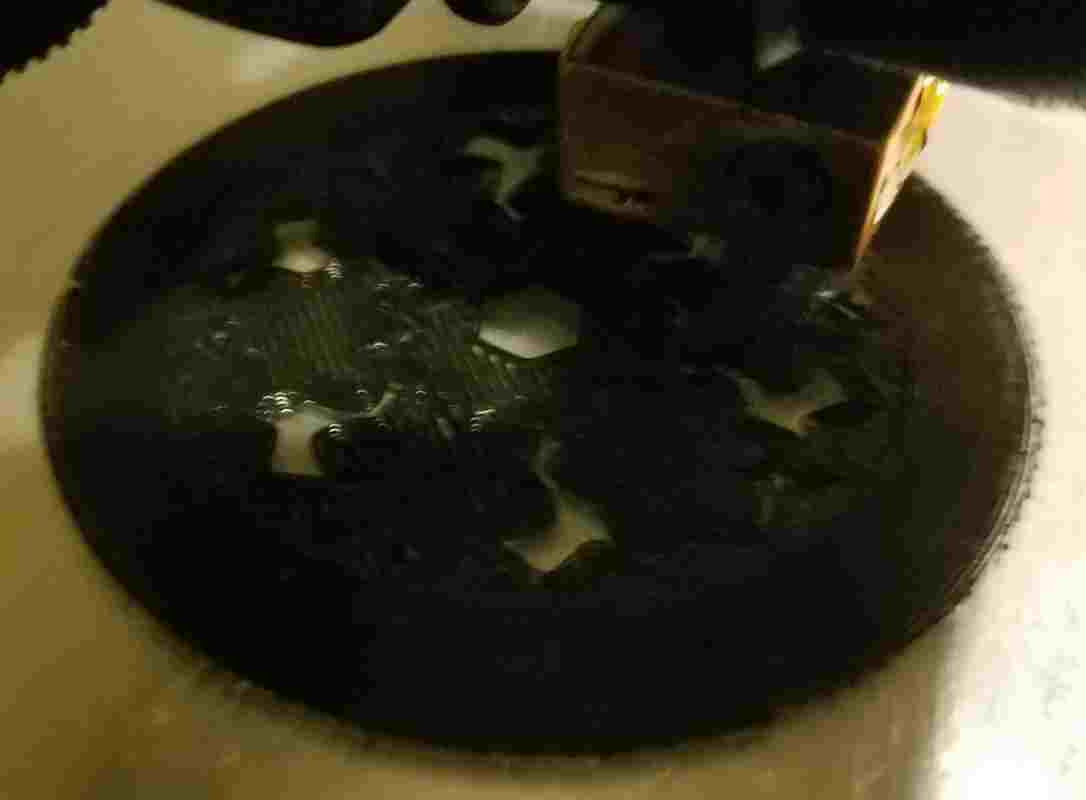
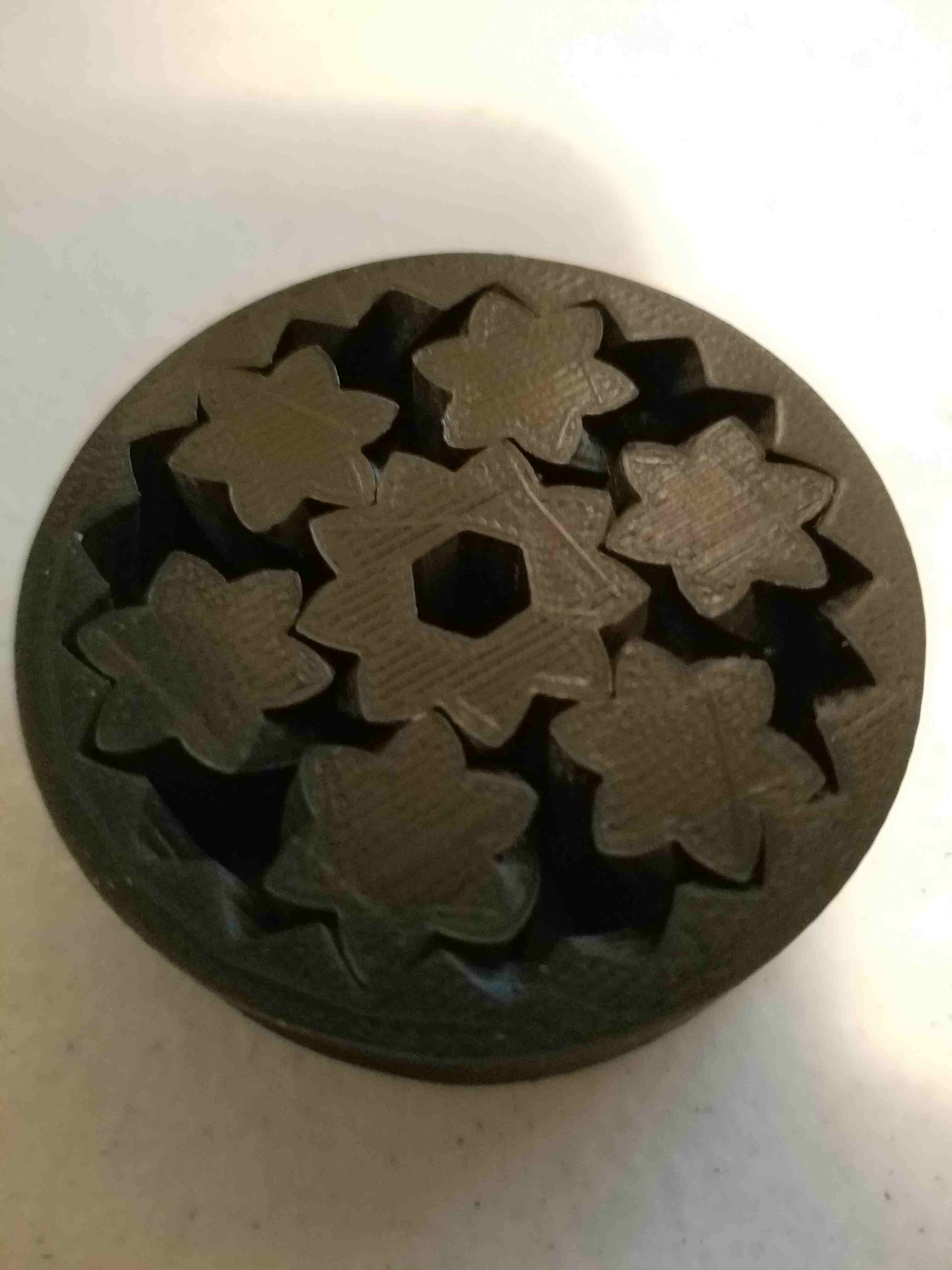
I printed Planetary Gears and the top looks greattop but the bottom doesn'tbottom

I am printing on a TronXY X3 (Prusa i3 metal frame clone) using eSun PLA+ and sliced using Cura 2.4. I print on glass and do manual leveling (sheet of paper to set gap).

What could be causing this?

It almost looks like a raft; but, I selected to print with a Brim not a Raft.

I have seen this on some other prints so I suspect it is a slicer setting. Note: Bed adhesion seemed great. First adhered well and part popped off with very little effort.

Trish
  • 22,760
  • 13
  • 53
  • 106
markshancock
  • 2,500
  • 2
  • 15
  • 35

3 Answers3

10

Your nozzle is too far from your bed. The first layer isn't squished down sufficiently, resulting in these gaps. If your first layer looks like this, you should cancel your print and adjust the bed. Alternatively, you can adjust the initial height of the Z-axis in G-code (for instance, G0 Z-0.1 followed by G92 Z0, which should be appended to your start G-code).

You can also try increasing the first layer height or the first layer extrusion multiplier. If you increase the first layer height, you will probably still have to adjust the bed slightly to bring the nozzle closer, but the thicker your first layer the larger the window where you get a good first layer.

Increasing the extrusion multiplier will effectively stretch the first layer to be thicker (and thus the model will come out slightly too high) and thus isn't necessarily a good idea, though some people find that a slight increase (to for instance, 110%) makes the first layer slightly more forgiving (but this also increases adherence, making parts harder to remove - there is a very fine line between getting good first layers and having your prints stuck permanently to the bed).
Tom van der Zanden
  • 15,057
  • 2
  • 37
  • 65
3

@TomvanderZanden was correct

My nozzle was too far from your bed (sort of)

Since my printer is manually leveled I have to use a sheet of paper to check each leveling point. This means the nozzle is about 0.1mm off the bed at home. In Cura, I had Initial Layer Height=0.3mm BUT this is supposed to be 0.3mm above the bed and my home will be already 0.1mm the bed; so, I really needed Initial Layer Height=0.2mm!

After doing that, the first layer laid down really nicely and all the lines got properly smooshed together. enter image description here

markshancock
  • 2,500
  • 2
  • 15
  • 35
2

In my case, the build plate adhesion type was set to raft in the cura software settings which is why a base will be printed first before printing the object on it. Hence, the bottom of the printed object will look rough because it needs to be easily separable from the initially printed base. Build plate adhesion type should be set to brim, skirt or none, the bottom print should be smooth. That was what worked for me.